
Blog from M's system
Key Points for Improving Audio Quality When Enjoying Sound from Your Smartphone: "Key Settings for Apple Music (iPhone)"

This time, we will guide you through the key points for improving audio quality through the settings of the Apple Music app on iPhone.
The Apple Music app on iPhone allows you to enjoy high-quality lossless audio through audio quality settings. However, since higher audio quality increases data communication volume and communication costs, the initial settings are configured for low-quality playback.
By setting the audio quality to lossless audio, you can enjoy better sound quality.
The setting method is very simple.
Let us guide you right away!
◆How to Set Up Lossless Audio in iPhone Apple Music
Please operate your iPhone screen in the following order.
① Touch the [⚙Settings] icon
② From "Apps", touch [♫ Music]
③ From the menu, touch [Audio Quality]
④ Set the [Lossless Audio] item to "ON"
⑤ Set the audio quality according to your communication method.
Audio quality settings include
・None
・High Efficiency
・High Quality (Standard)
・Lossless
・Hi-Res Lossless
You can choose from these 5 levels.
In the order listed above, audio quality gradually improves, and data communication size increases proportionally.
・Mobile Data Streaming
You can set the audio quality when using mobile data.
Depending on your contract plan, communication costs may apply.
・Wi-Fi Streaming
You can set the audio quality when using a Wi-Fi environment.
Since no communication costs are incurred, high-quality settings like Lossless and Hi-Res Lossless are recommended.
・Download
You can set the audio quality when downloading music data.
When downloading using mobile data, communication costs may apply depending on your contract plan.
Please take note of this.
That completes the settings.
When using the Apple Music app on iPhone, these settings will allow you to enjoy higher quality sound, so please give it a try.
In future guides, we plan to introduce setting methods for Android smartphones and other music streaming apps (such as Amazon Music).
Please look forward to these upcoming guides.


More from our Blog
You may also be interested in
Latest in "News"

Quiet Luxury クワイエット・ラグジュアリー Roses Aftenoon 薔薇の午後
2026/5/22 お知らせ 昨夜リリースしたQuiet Luxury ク…

YouTube New Series "Quiet Luxury" and "Room to Breathe" Now Streaming
M's System has begun streaming two original video series on YouTube. "Quiet Lux…

We've started a new video series "Room to Breathe" on YouTube.
A Parisian afternoon, greenery swaying through an open window.French bossa vocal…
Latest Articles

細胞はどこで音を受け取っているのか?
細胞はどこで音を受け取っているのか――細胞膜・接着部位・細胞骨格という“入り口”について前回は、細胞がただ音に反応しているだけでなく、周波数や音圧、波のかたちと…
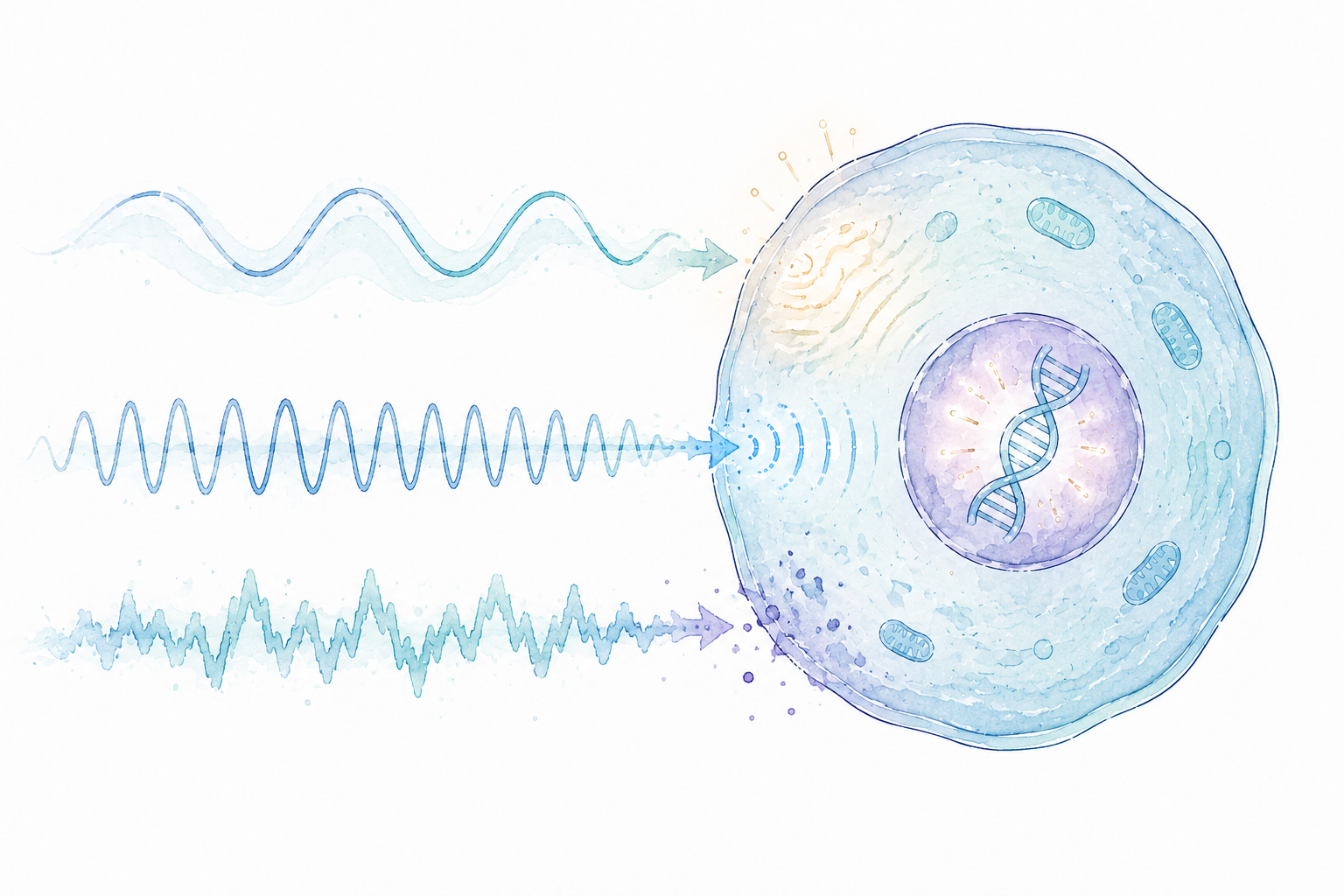
細胞は音の何を感じているのか?
細胞は音の何を感じているのか――「音楽」ではなく、「振動の質」という視点前回は、細胞そのものが可聴域の音に反応し、遺伝子の働きに変化が生じる可能性を示した研究を…

細胞は音に反応するのか?
細胞は音に反応するのか――音を「耳で聴くもの」から、もう一度考え直してみる私たちはふつう、音を耳で聴くものだと考えています。音楽を楽しむ。声を聞き取る。物音に気…
Catalog Request
Product catalogs, customer voices, media features & more. Request materials here.
Newsletter
New products, events & more. Stay up to date with our latest news. Subscribe here.
Book a Session
Reserve your listening session.
Contact Us
Products, maintenance, events & more. Get in touch with us. We'd love to hear from you.